
Inverters are the central mechanisms of the energy systems. They deal with the energy conversions and ensure the seamless consumption with the household appliances. Sometimes, due to voltage, current, temperature, or many other issues, inverters may show error codes.
We will shower light on the ten most common inverter code errors, highlight troubleshooting steps, and understand how you can fix the issues.
| Inverter Error | Causes | Severity |
| PV Overvoltage | Excessive PV string voltage | High |
| PV Undervoltage | Insufficient sunlight or wiring issue | Medium |
| Grid Fault | Voltage or frequency out of range | High |
| Grid Loss | Power outage or wiring problem | High |
| BMS Comm Error | Communication cable issue | Medium |
| Battery Overvoltage | Charging system issue | High |
| Battery Undervoltage | Deep battery discharge | High |
| Over Temperature | Poor ventilation | High |
| Isolation Fault | Damaged cables or moisture | High |
| Ground Fault | Wiring fault | High |
| Fan Fault | Failed fan or obstruction | Medium |
Error Code #1: Solar Overvoltage
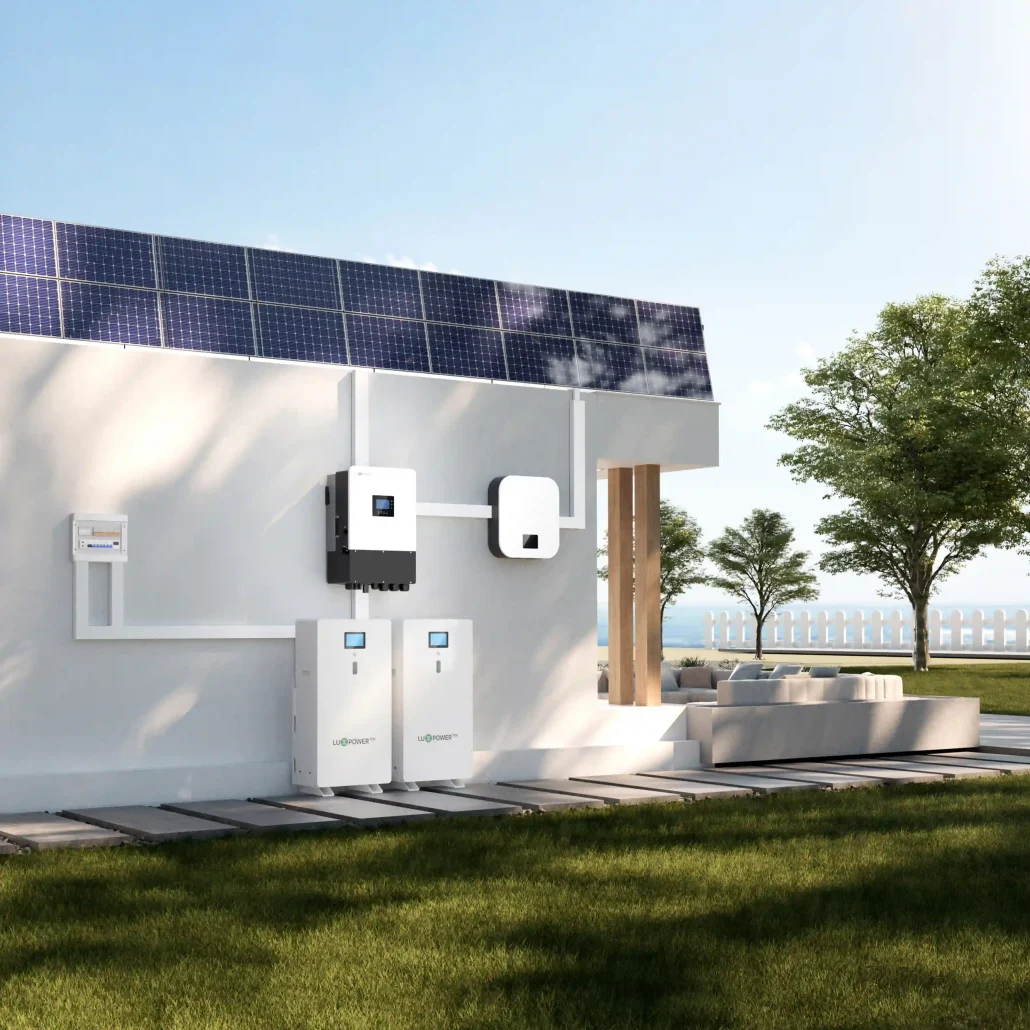
PV overvoltage refers to an increase in the DC voltage from the solar arrays that exceeds the inverter’s maximum input voltage threshold. It often occurs in winter, when temperatures drop and voltage rises.
Common Causes
- Too many solar panels connected in series
- Incorrect system design
- Low ambient temperatures
- Wrong inverter settings
- Voltage spikes from the PV array
Troubleshooting Steps
- Reduce string length if voltage exceeds limits.
- Reconfigure panel strings.
- Update inverter settings if appropriate.
- Consult system design calculations.
Error Code #2: PV Undervoltage
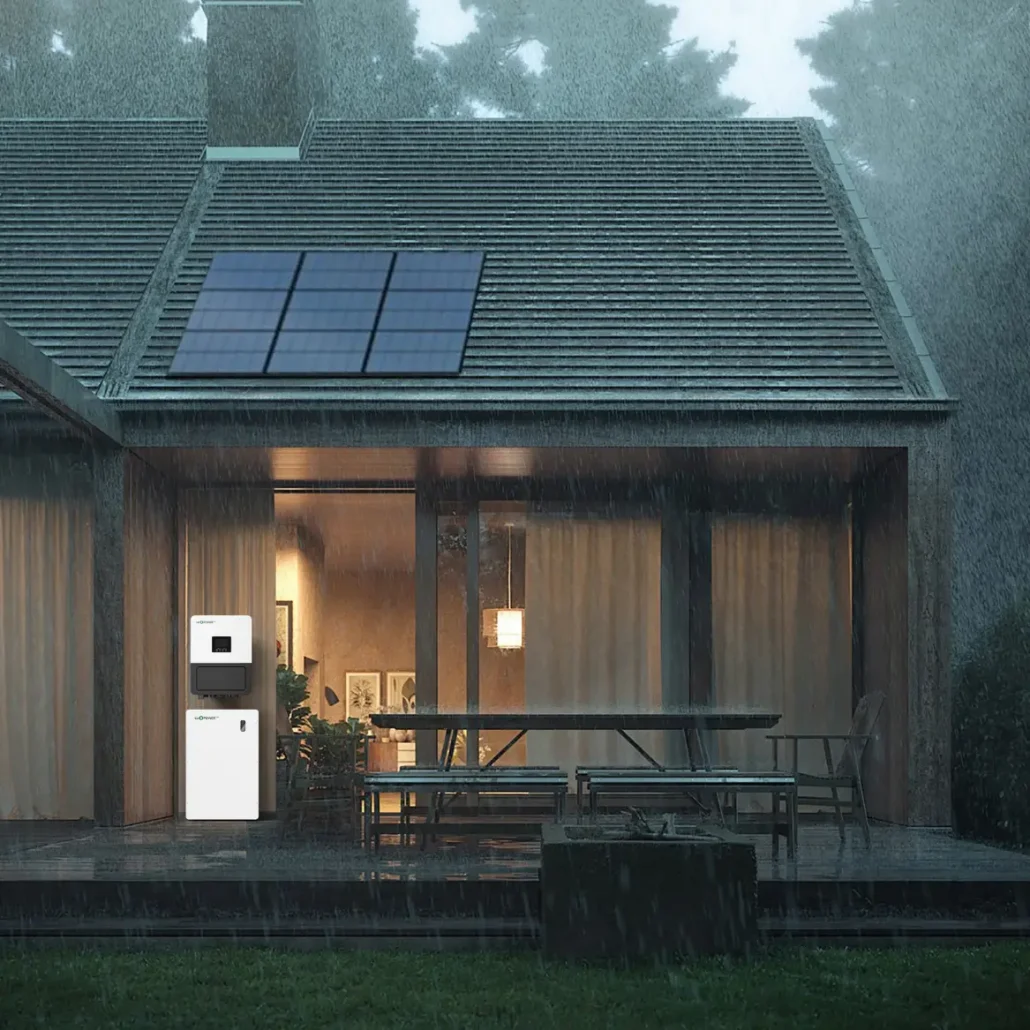
PV undervoltage refers to the decrease in solar array voltage below the inverter’s minimum operating voltage. In this case, the inverter often fails to convert and consume energy.
Common Causes
- Insufficient sunlight
- Shading
- Loose DC connectors
- Damaged solar modules
- Incorrect string configuration
Troubleshooting Steps
- Check solar irradiance levels.
- Inspect PV connectors.
- Verify string voltage.
- Look for shading issues.
- Test each solar string individually.
- Inspect modules for damage.
Error Code #3: Grid Fault
When the grid system has an issue, the inverter displays a grid fault error. The issue may be grid voltage, frequency, or quality. As a safety step, the inverter disconnects the system from the grid.
Common Causes
- Grid voltage too high
- Grid voltage too low
- Frequency fluctuations
- Utility disturbances
- Loose AC wiring
- Poor grid quality
Troubleshooting Steps
- Tighten AC connections.
- Adjust utility-approved grid settings.
- Contact the utility company if grid instability exists.
- Upgrade undersized AC wiring.
Error Code #4: Grid Loss
If a grid loss or utility grid failure occurs, the inverter fails to detect the grid. In that case, the inverter routes energy from another power source, such as batteries or generators, to home appliances.
Common Causes
- Utility power outage
- Tripped breaker
- AC disconnect open
- Damaged cable
- Loose wiring
Troubleshooting Steps
- Verify utility power availability.
- Check AC breakers.
- Inspect disconnect switches.
- Measure AC voltage.
- Verify inverter protection settings.
Error Code #5: BMS Communication Issues
The BMS error code appears on the display when a communication error occurs between the inverter and the battery management system.
This disconnection causes energy management issues.
Common Causes
- Loose communication cable
- Incorrect communication protocol
- CAN bus configuration errors
- RS485 wiring problems
- Battery firmware mismatch
- Inverter firmware incompatibility
Troubleshooting Steps
- Reconnect communication cables.
- Update firmware.
- Correct protocol settings.
- Replace damaged communication wires.
Error Code #6: Battery Overvoltage
Battery voltage must also remain within the inverter-specified limits. If the voltage exceeds these limits, the system may fail and trigger errors. You must act rapidly to resolve such issues.
Common Causes
- Charger malfunction
- Incorrect battery settings
- BMS malfunction
- Firmware issues
Troubleshooting Steps
- Measure battery voltage.
- Verify charging parameters.
- Review BMS alarms.
- Check battery configuration.
Error Code #7: Battery Undervoltage
Battery voltage must be within the inverter limits for successful conversions and operation. If the battery voltage drops below the threshold, the screen shows a battery undervoltage error.
Common Causes
- Excessive discharge
- Battery aging
- High loads
- Charging system failure
Troubleshooting Steps
- Check battery voltage.
- Inspect battery state of charge.
- Verify charging operation.
- Review battery health data.
Error Code #8: Over Temperature
When the inverter’s internal temperature exceeds safe limits, several factors can cause the increase, including external or internal environmental conditions.
Common Causes
- Blocked ventilation
- High ambient temperatures
- Dust accumulation
- Cooling fan failure
- Overloading
Troubleshooting Steps
- Check the ambient temperature.
- Clean ventilation openings.
- Inspect cooling fans.
- Verify inverter loading levels.
Error Code #9: Isolation Fault and Ground Fault
If electrical current leaks between the conductor and ground, it shows as isolation and ground fault errors. Correct it immediately to avoid system failure and other issues.
Common Causes
- Damaged cable insulation
- Water ingress
- Connector failures
- Improper grounding
- Module damage
Troubleshooting Steps
- Perform insulation resistance testing.
- Inspect DC cables.
- Check junction boxes.
- Examine connectors.
- Look for moisture intrusion.
Error Code #10: Fan Fault
Cooling of the power systems is essential. Cooling fans are effective for cooling. But if a fan fails, it may show a fan fault error.
Common Causes
- Fan blockage
- Dust accumulation
- Motor failure
- Wiring problems
Troubleshooting Steps
- Clean ventilation pathways.
- Replace failed fans.
- Repair wiring issues.
Tips for Faster Troubleshooting
To troubleshoot errors faster, follow these best practices.
Step 1: Visual Inspection
Start with a visual inspection. Use a thorough visual inspection to identify the issue.
Step 2: Review Error History
If the error keeps recurring, check it and keep a record. Notice any specific timeframe or period during which this error occurs. For example, PV overvoltage errors may occur only during winter. High temperatures may also trigger overheating errors.
Step 3: Determine Recent Changes
Sometimes, the error is due to recent firmware changes or updates. Bugs in the inverter system may cause these errors. Therefore, verify all errors occurring in the system.
Step 4: Go Through Manufacturer Manual
The best practice is to compare the error with the manufacturer’s documentation and manual. If the troubleshooting steps are outlined, follow them to fix the issue.
Conclusion
Most inverter error codes can be resolved with simple inspection and operations. For instance, PV Overvoltage, grid fault, grid loss, BMS communication errors, battery voltage alarms, and over-temperature warnings indicate specific operating issues. With inspection and the right steps, you can resolve them. Buying and installing high-end inverters under optimal operating conditions can minimize the chance of errors.
For high-quality inverters, you can explore top-notch suppliers. Luxpowertek is one of those suppliers that deliver proven quality and exceptional performance inverters. They guide you through the installation and provide after-sales support.