WL-LINK Dongle

Communication Module

The WL-Link dongle is a flexible communication device designed to provide users with versatile connectivity options. It supports Wi-Fi, wired LAN, and Bluetooth connections, and features a built-in antenna for stable and reliable communication. With user-friendly setup via both APP and Web interfaces, the WL-Link offers a seamless configuration experience. This combination of adaptability and ease of use makes the WL-Link a comprehensive solution, meeting the diverse needs of users for stable networking in various application scenarios.

Download User manual
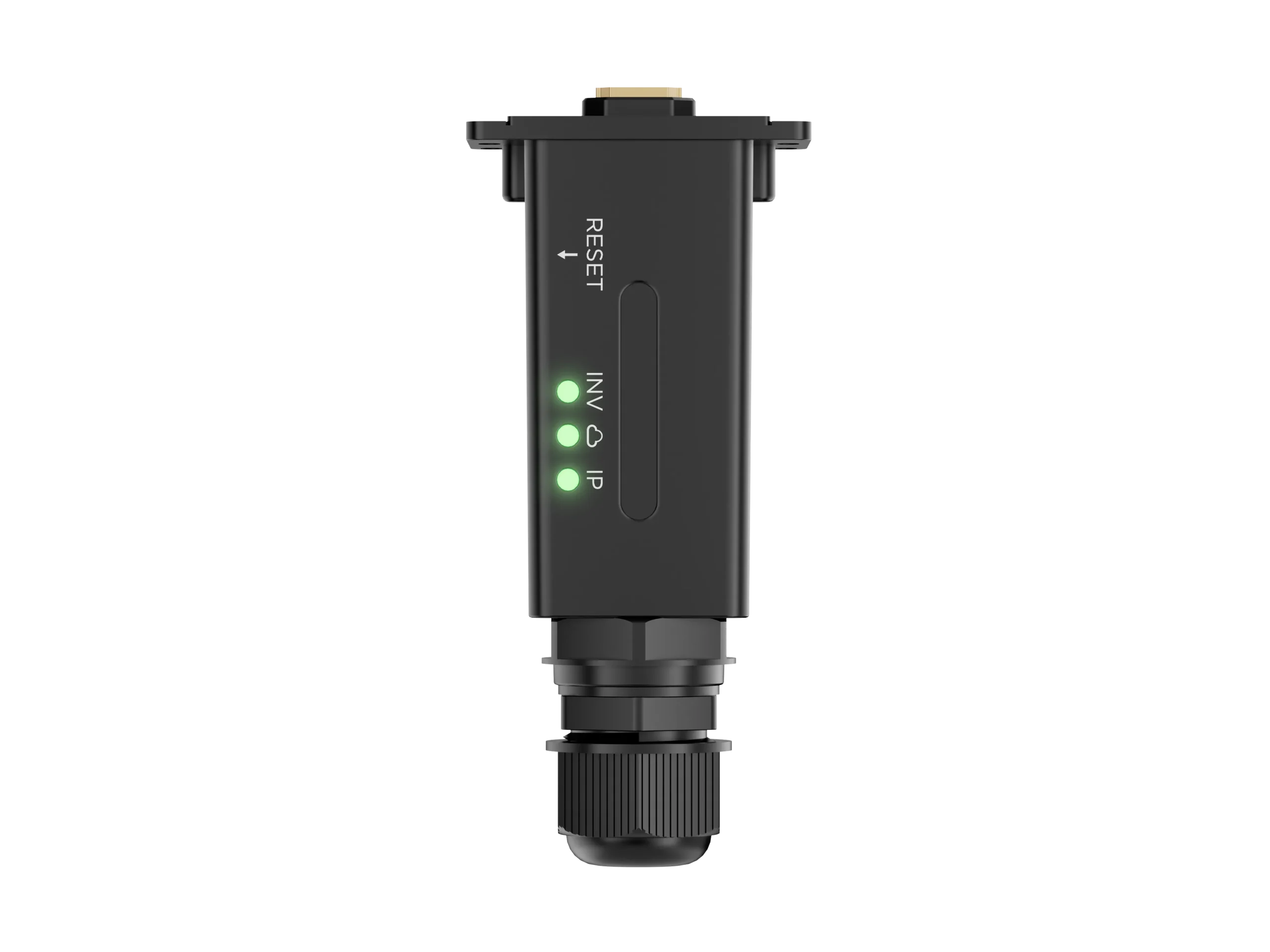
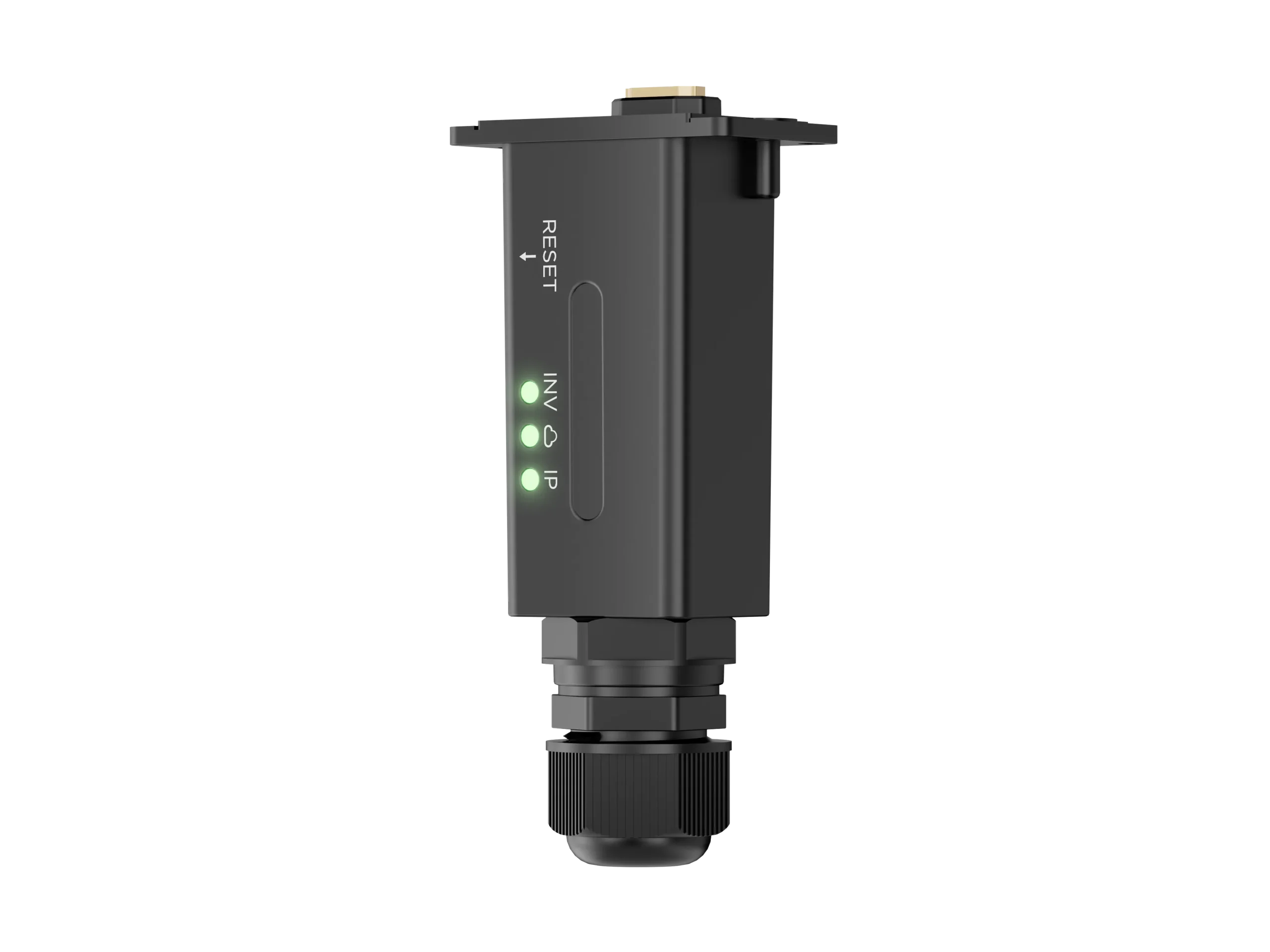
  • Supports Wi-Fi, LAN, and Bluetooth connections
  • Built-in antenna design for stable communication
  • APP/Web configuration, user-friendly setup
  • Supports remote update
  • Supports app online configuration and bluetooth connect

FAQ

WL-Link is a communication dongle developed by LuxpowerTek. It uploads inverter data to the LuxCloud monitoring platform and supports remote system monitoring for residential and small commercial solar systems. WL-Link User Manual-2025-6-5

WL-Link supports Wi-Fi, LAN and Bluetooth, providing flexible communication options for different installation environments. WL-Link-datasheet

Connect WL-Link to the inverter’s communication port, then connect it to the router using a standard Ethernet cable. For wired communication, a distance of 20 meters or less is recommended. WL-Link User Manual-2025-6-5 WL-Link-datasheet

Press and hold the RESET button for about 5 seconds to enter Wi-Fi mode. Connect your phone to the WL-Link network, open LuxCloud → Dongle Connect, select your home Wi-Fi, enter the password, and tap HomeWiFi Connect. WL-Link User Manual-2025-6-5

No. WL-Link supports 2.4 GHz Wi-Fi and WPA2. 5 GHz and Wi-Fi 6 are not currently supported. WL-Link User Manual-2025-6-5

Check the IP LED. In Ethernet mode, it flashes slowly at about once per second; in Wi-Fi mode, it flashes rapidly at about three times per second. You can also check whether the WL-Link SN appears as a Wi-Fi hotspot. WL-Link User Manual-2025-6-5

The INV LED shows communication between WL-Link and the inverter, the Cloud LED shows communication with the LuxCloud server, and the IP LED indicates IP assignment status. A flashing IP LED means it is waiting for an IP address, while solid means an IP address has been assigned. WL-Link User Manual-2025-6-5

For Wi-Fi, check that the SSID and password are correct. For LAN, check that the router has DHCP enabled, has internet access, and that a straight-through Ethernet cable within the recommended distance is being used. WL-Link User Manual-2025-6-5 WL-Link User Manual-2025-6-5

Yes. If the system has multiple inverters, each inverter needs its own dongle. After adding the first one, use Add Dongle in the plant to add the remaining dongles one by one. WL-Link User Manual-2025-6-5

WL-Link has an IP65 protection rating and an operating temperature range of -25°C to 70°C. It is designed for long-term performance in suitable installation environments.