E-Wifi Dongle

Communication Module

The E-Wifi dongle is the second generation of the WiFi dongle, inheriting the basic features of its predecessor and further enhancing its performance. The new version includes features such as remote firmware updates, Bluetooth connectivity, and direct WiFi pairing (with app connection), providing users with a more convenient and flexible user experience. This update makes the E-Wifi dongle a more comprehensive and advanced device, meeting the diverse needs of users for remote control and connectivity. You can monitor and manage the system anytime, anywhere in the world.

Download Usermanual
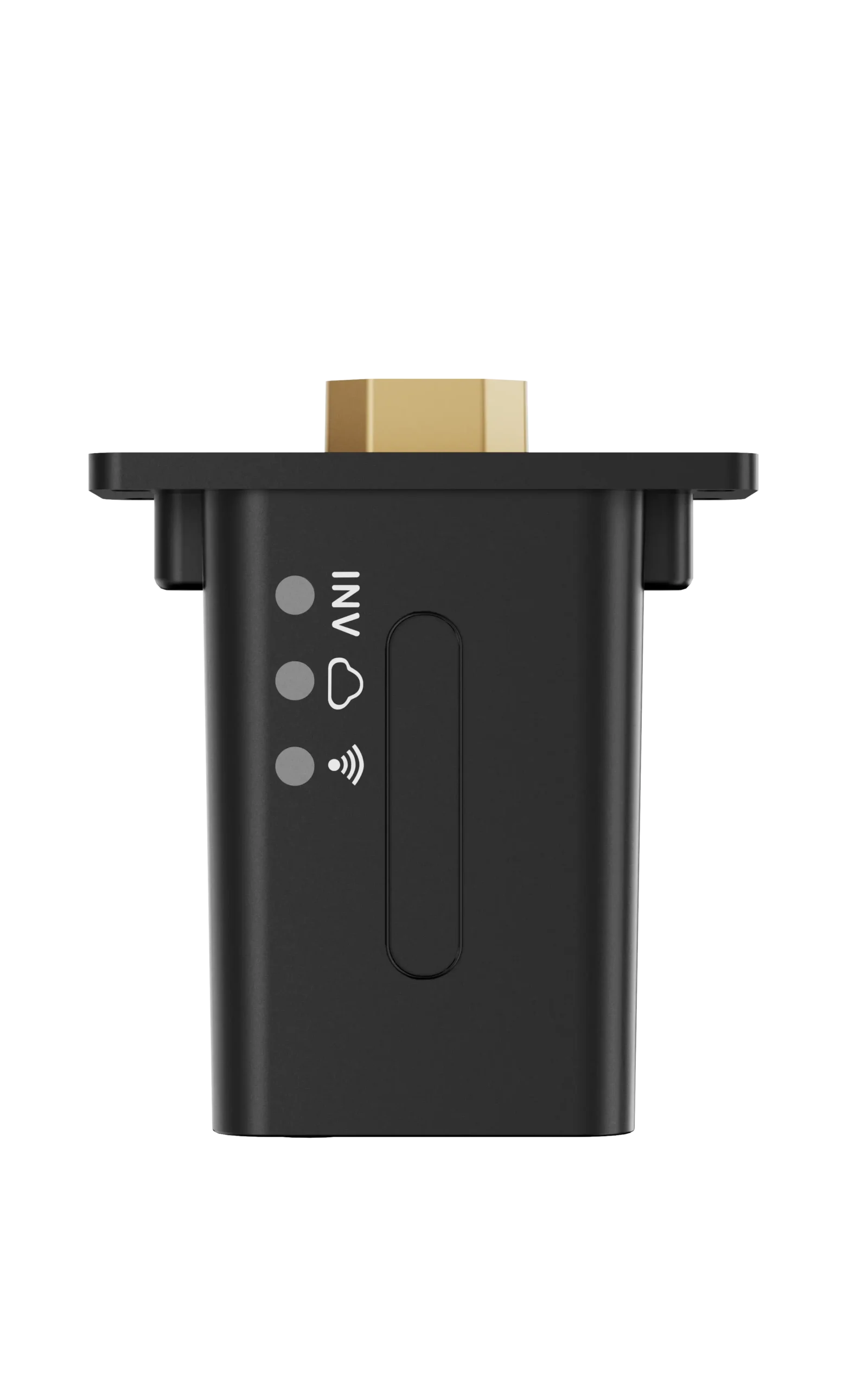
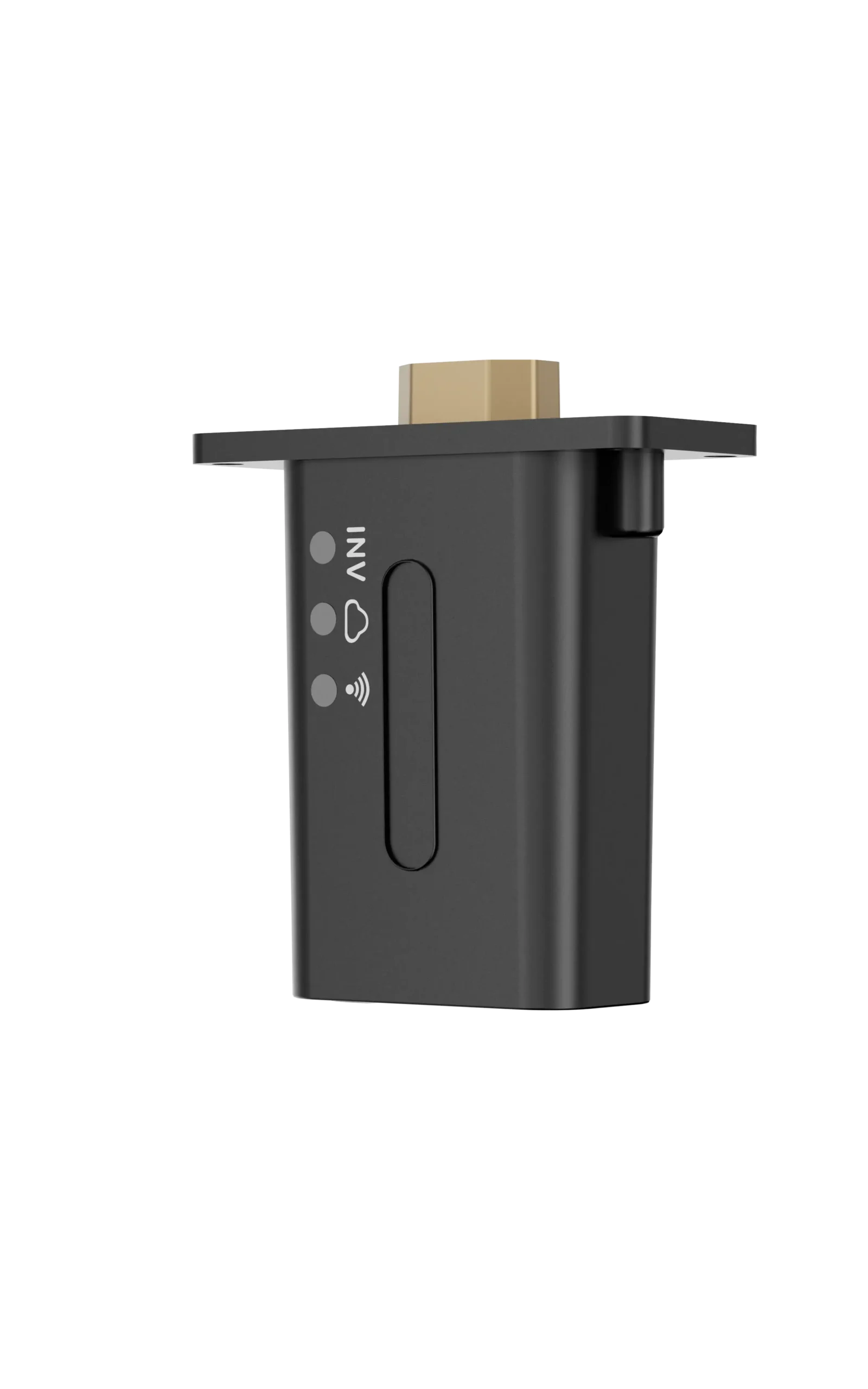
  • Fault alarm, real-time monitoring
  • Plug and play, convenient and fast
  • Status indicator, easy to check working status
  • Supports remote update
  • Supports app online configuration and bluetooth connect

FAQ

The E-WIFI Dongle connects a compatible LuxpowerTek inverter to the network for LuxCloud remote monitoring and management. It also supports local connection for on-site monitoring and configuration.

Insert the dongle into a powered inverter, connect to the dongle through the LuxCloud App, enter your home Wi-Fi name and password, and tap Home Wi-Fi Connect. After successful configuration, the dongle will restart automatically. E-WIFI 2.0 Dongle Connection Gu…

Yes. Turn on Bluetooth on your phone, press the dongle button for about 3 seconds to enable Bluetooth, then open LuxCloud → Dongle Connect → Set with Bluetooth and select the correct dongle SN. E-WIFI 2.0 Dongle Connection Gu…

The default AP password is 12345678 and must be changed before first use. The new password must contain 8–32 letters or numbers and cannot reuse the default password. E-WIFI 2.0 Dongle Connection Gu…

Yes. If Wi-Fi is unavailable, Local Connect allows you to connect directly via Wi-Fi or Bluetooth for local monitoring and configuration. E-WIFI 2.0 Dongle Connection Gu…

The WiFi LED indicates communication with the home Wi-Fi, the Cloud LED indicates network communication, and the INV LED indicates communication between the dongle and inverter. E-WIFI 2.0 Dongle Connection Gu…

A flashing WiFi LED indicates that the dongle has failed to connect to the router. Check the router connection and make sure the Wi-Fi name and password are correct. E-WIFI 2.0 Dongle Connection Gu…

A flashing Cloud LED indicates an internet connection problem. A flashing INV LED indicates a communication problem between the dongle and inverter; check that the dongle is securely connected. E-WIFI 2.0 Dongle Connection Gu…

Yes. Multiple dongles can be added to the same account using their SN and PIN. Each dongle connects independently and can be monitored under the same account. E-WIFI 2.0 Dongle Connection Gu…

Yes. Firmware can be downloaded through the LuxCloud App and updated using either a Wi-Fi/TCP connection or Bluetooth connection. E-WIFI 2.0 Dongle Connection Gu…